Reviewing & correcting results

The AI is good, not psychic. Here's how to read what it found and fix what it didn't.

When you snap or upload a meal, the AI works for a few seconds and then drops you on the Review Analysis screen. Nothing is saved yet — this is your chance to check the estimate and tweak anything before it lands in your diary.

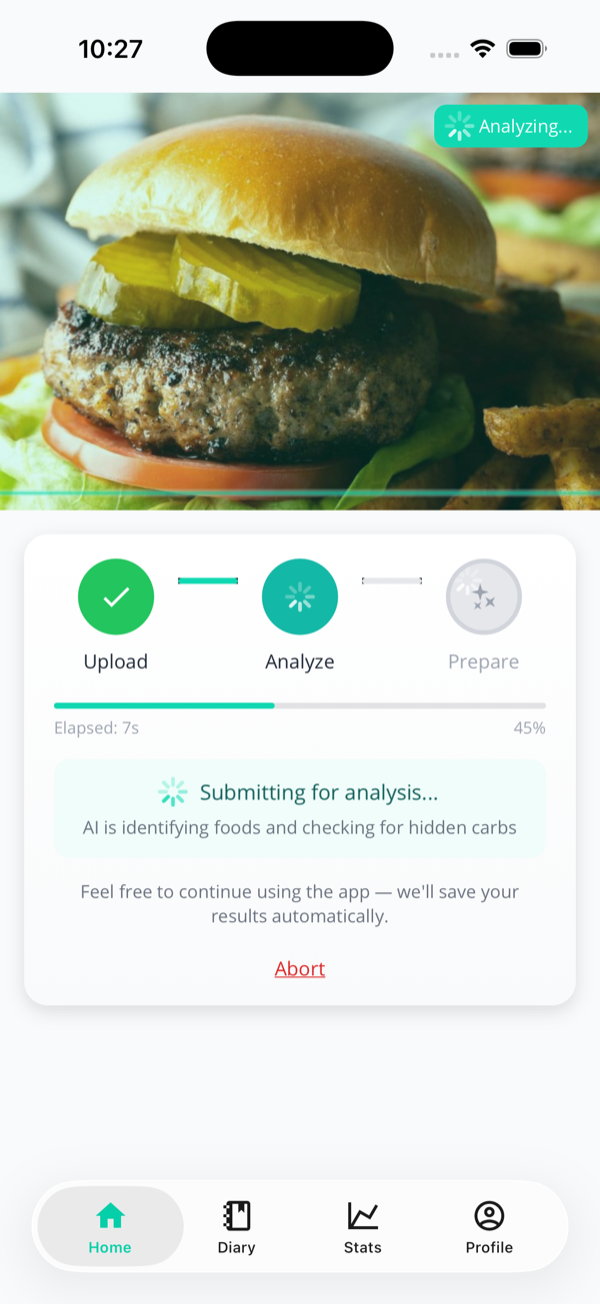
The analysis-in-progress screen showing a burger photo, an Upload-Analyse-Prepare progress bar, and the message Submitting for analysis, AI is identifying foods and checking for hidden carbs.
While it works: identifying foods, checking for hidden carbs. You can keep using the app — results save automatically.

The Review Analysis screen
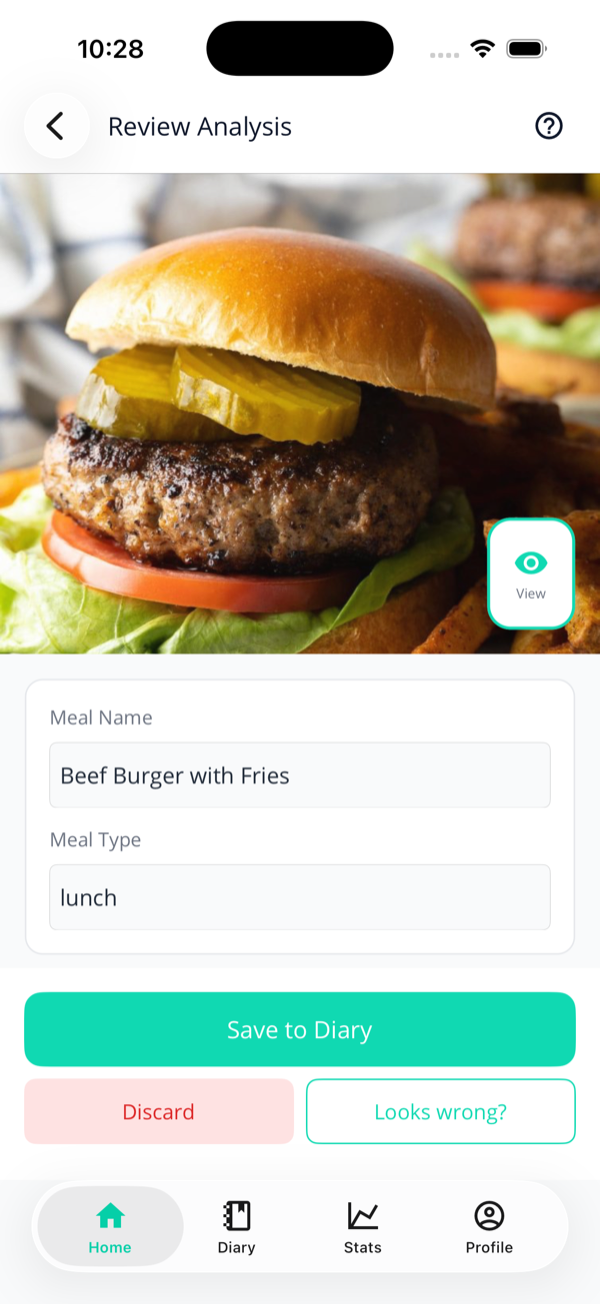
The Review Analysis screen with a burger photo, a View button, an editable meal name Beef Burger with Fries, a Meal Type of lunch, and Save to Diary, Discard and Looks wrong buttons.
Top of the screen: the photo, an editable meal name and type, and the action buttons.

At the top you get:

  • The photo, with a View button to open it full-screen (pinch to zoom).
  • Meal Name — editable. The AI takes a guess ("Beef Burger with Fries"); rename it to whatever you like.
  • Meal Type — breakfast, lunch, dinner, or snack.

Three buttons sit at the bottom of every scroll: Save to Diary, Discard, and Looks wrong?
Reading the estimate

Scroll down for the nutrition summary and the full list of identified foods. A few things to notice — because they're different from the false precision other apps give you:

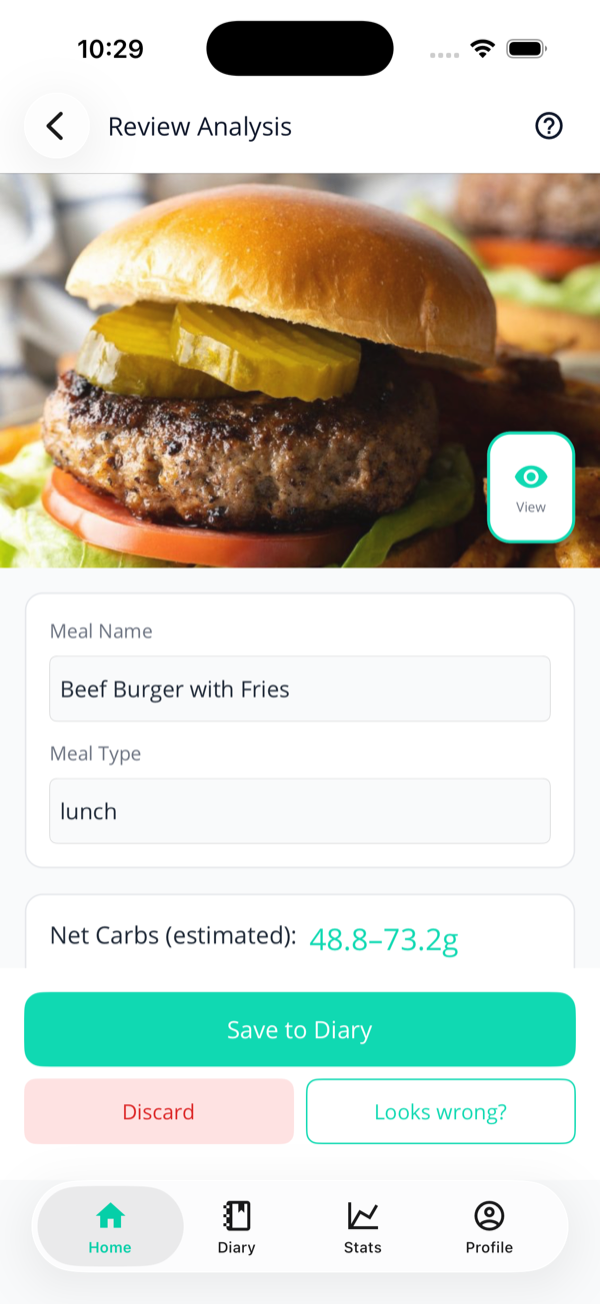
The meal details card showing Net Carbs (estimated): 48.8 to 73.2g for the burger meal.
Net carbs as a range, never a fake-exact single number.

Ranges, not fake precision

Net carbs show as a range like 48.8–73.2g. AI estimation isn't perfect and pretending otherwise would be dishonest — so you get an honest spread. If the low and high round to the same number, it collapses to a single value.

Confidence, on the label

Each item carries a confidence badge — AI: High / Medium / Low Confidence. Edit something yourself and it switches to User Adjusted; add a food by hand and it's User Added.

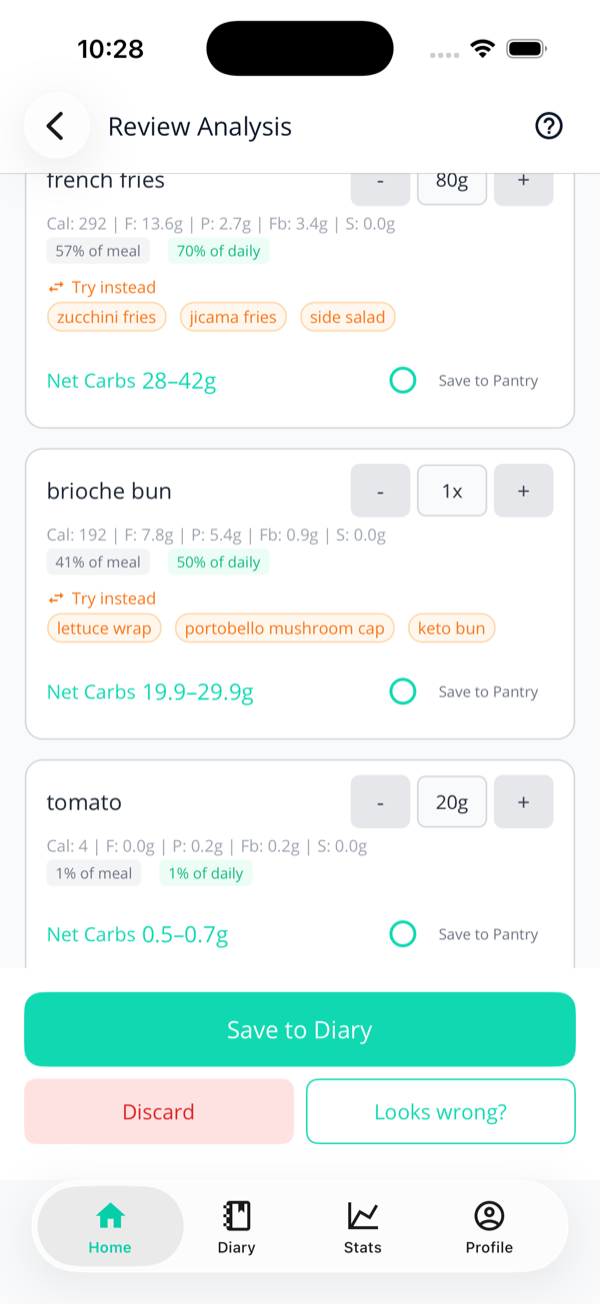
Identified food cards for french fries and brioche bun, each showing calories and macros, a percentage of meal and of daily carbs, orange Try instead swap chips, and a net-carb range.
Each food: macros, its share of the meal and your daily carbs, and swap suggestions.

The identified foods

Every food the AI spotted gets its own card with calories, fat, protein, fibre, sugar, and a net-carb range. Two little pills tell you how much each item matters: % of meal and % of daily carbs. The big offenders turn red.

For a burger the AI will happily break out the bun, patty, fries, tomato, pickle, and lettuce separately — so you can fix or remove just the part that's wrong.

Hidden carbs get flagged here too

If the AI spots something prone to sneaky carbs, you'll see an amber "Possible hidden carbs" note on the item. There's a full explanation of hidden carbs on the battery page.

Fixing a single food

Best for: a portion or macro that's off
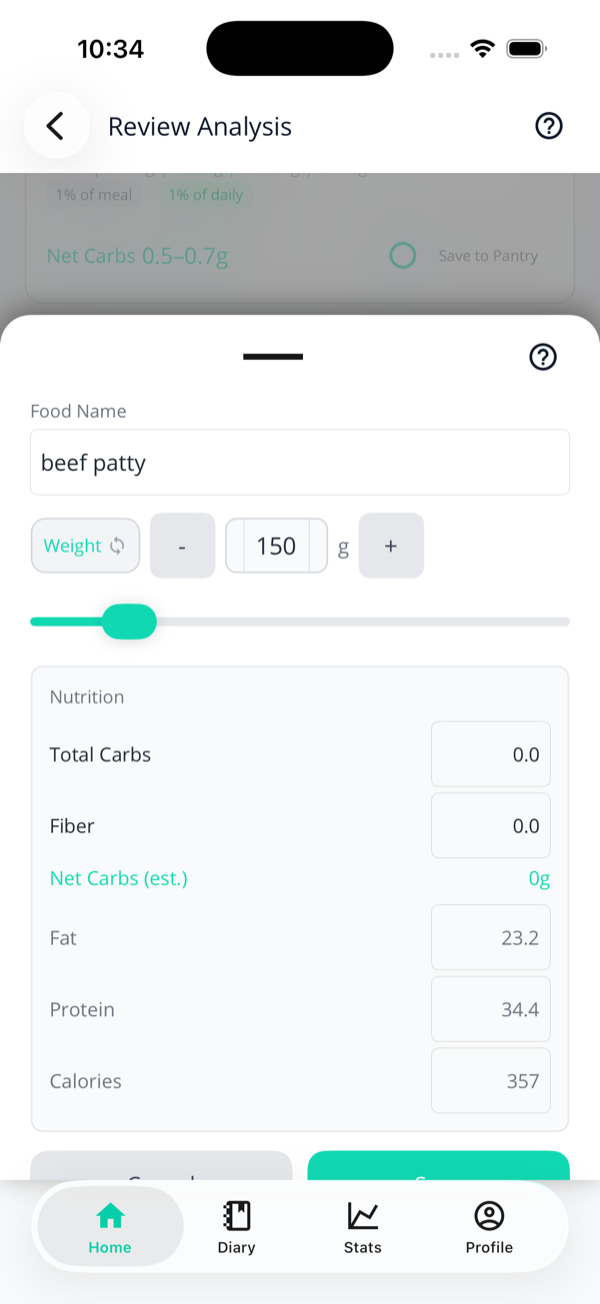
The food item edit sheet for beef patty, with a food-name field, a weight/quantity toggle, a 150g amount with minus and plus buttons, a weight slider, and editable nutrition fields for total carbs, fibre, net carbs, fat, protein and calories.
Tap any food card to open its edit sheet. Every macro is editable.

Tap a food card to open its edit sheet, where you can:

  • Rename it — start typing and your previously-logged foods pop up as suggestions.
  • Adjust the amount — use the /+ buttons or the slider. The little Weight / Qty toggle switches between grams and counts (e.g. "1 fried egg" instead of "60g").
  • Edit the macros directly — total carbs, fibre, fat, protein, calories. Net carbs recalculate as you go.

Pro members also get a sparkle ✨ button to re-estimate macros from the new name and weight. On the free tier it shows a padlock — manual edits still work without limits.

Keto & pantry swaps

Spotted on the food cards: little chips suggesting lower-carb alternatives. They're optional, but handy.

  • "Try instead" (orange) — keto-friendlier swaps for a high-carb food. Brioche bun? Try a lettuce wrap, portobello cap, or keto bun. Fries? Zucchini fries or a side salad.
  • Pantry swaps (teal) — one-tap replacements pulled from your own Pantry, so the macros come from a label you scanned rather than an AI guess.
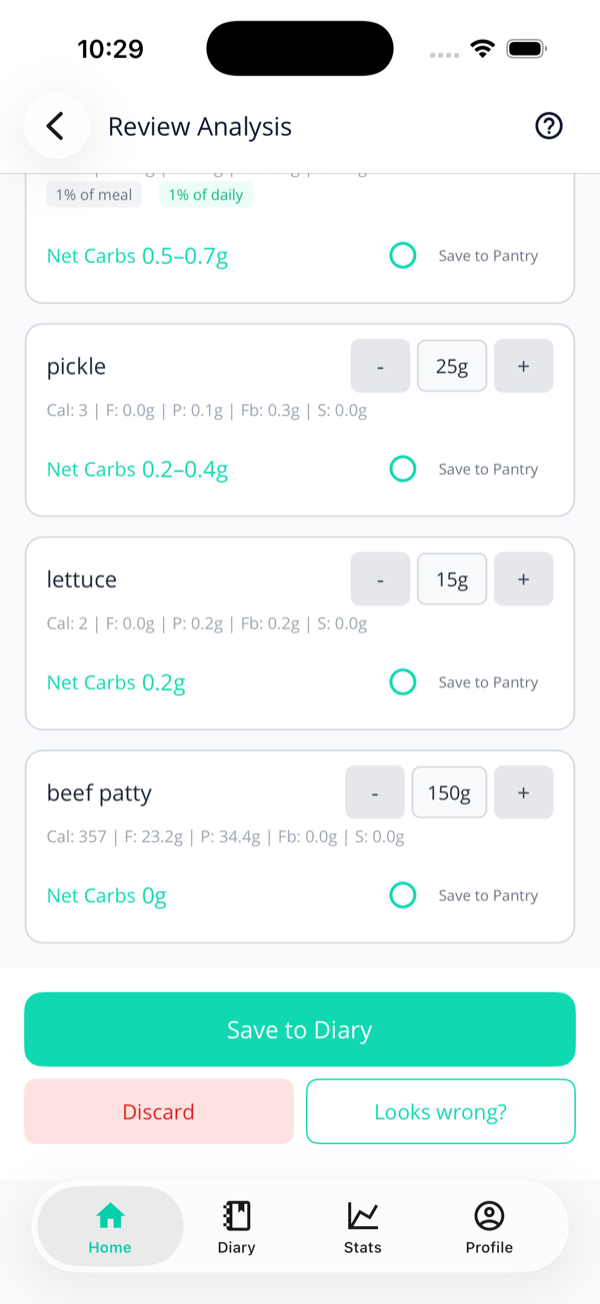
  • Save to Pantry — tick the circle on any item to remember its macros for next time.
More identified food cards for pickle, lettuce and beef patty, each with editable amounts, net-carb values and Save to Pantry circles.
Low-carb items like the patty and lettuce barely move the needle — and you can save any of them to your Pantry.

"Looks wrong?" — re-analysing

Best for: the AI missed or invented a food

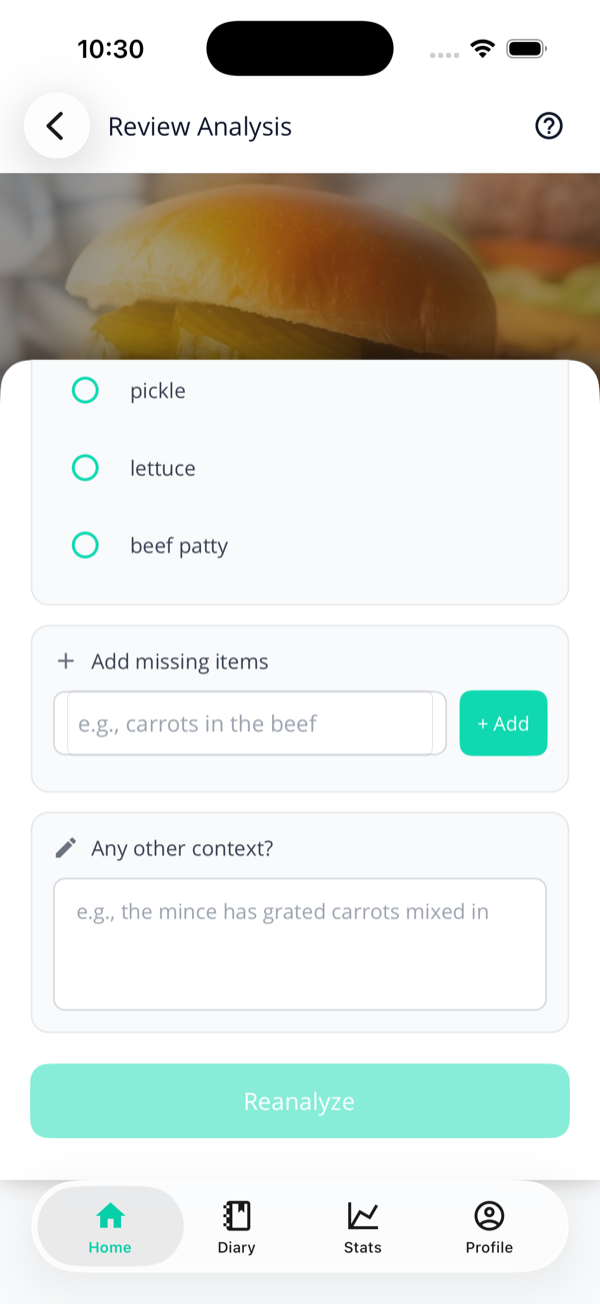
Editing one item is for small tweaks. When the AI got the bigger picture wrong — missed the carrots grated into the mince, or "saw" bread that wasn't there — tap Looks wrong? for a guided re-analysis.

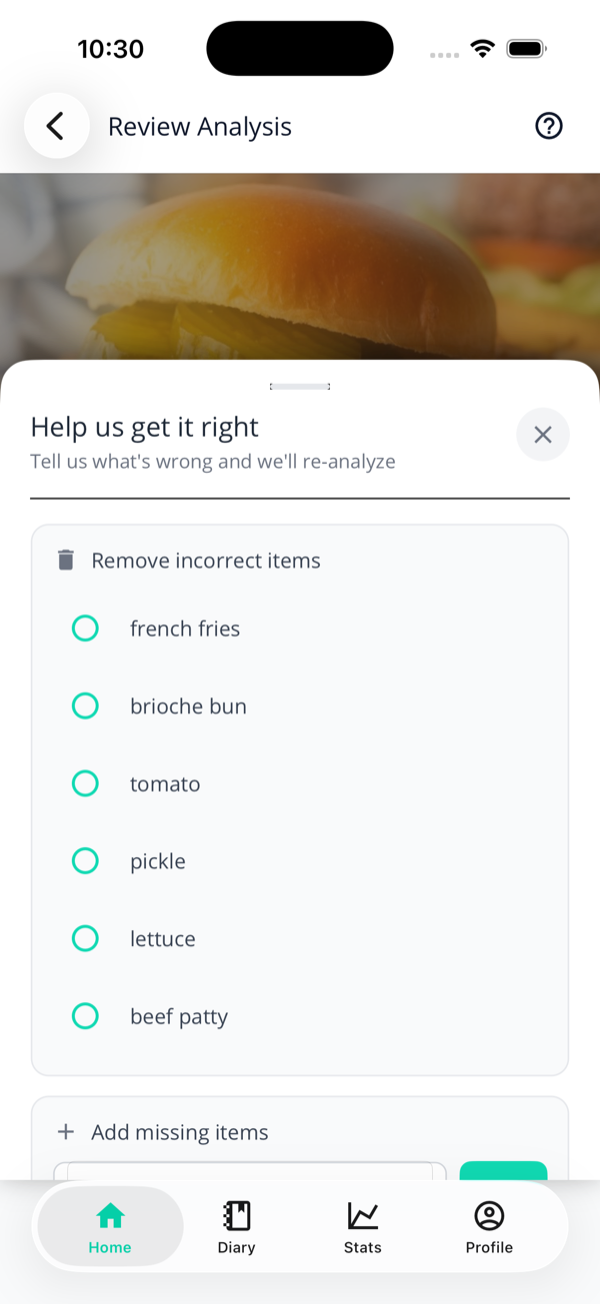
The Help us get it right sheet with a Remove incorrect items section listing french fries, brioche bun, tomato, pickle, lettuce and beef patty as checkboxes.
"Help us get it right" — tick anything the AI shouldn't have counted.

The sheet — titled "Help us get it right" — has three parts:

  1. Remove incorrect items — tick anything the AI shouldn't have counted.
  2. Add missing items — type what it missed ("steamed broccoli"); suggestions appear from your history.
  3. Any other context? — free text for the stuff a photo can't show ("the salad had extra oil").
The lower half of the correction sheet showing the Add missing items field, an Any other context field, and a Reanalyze button.
Make at least one change and the Reanalyze button lights up.

Make at least one correction and Reanalyze wakes up. Tap it and the AI re-runs with your notes in hand, then drops you back on the updated Review screen. Repeat until it's right.

Saving & why it matters

  1. Happy with the estimate? Tap Save to Diary. The meal lands in your diary and your Ketosis Battery and Carb Tank update immediately.
  2. Changed your mind? Discard throws it away — nothing is logged.
Your corrections actually do something

Every fix and re-analysis is fed back to improve future estimates — both for this meal and the model over time. The more you correct, the sharper it gets. (One caveat: renaming a food doesn't silently overwrite our nutrition data — we keep human review in the loop there.)

Next: you’ve saved a meal — now see what it did to your Ketosis Battery.