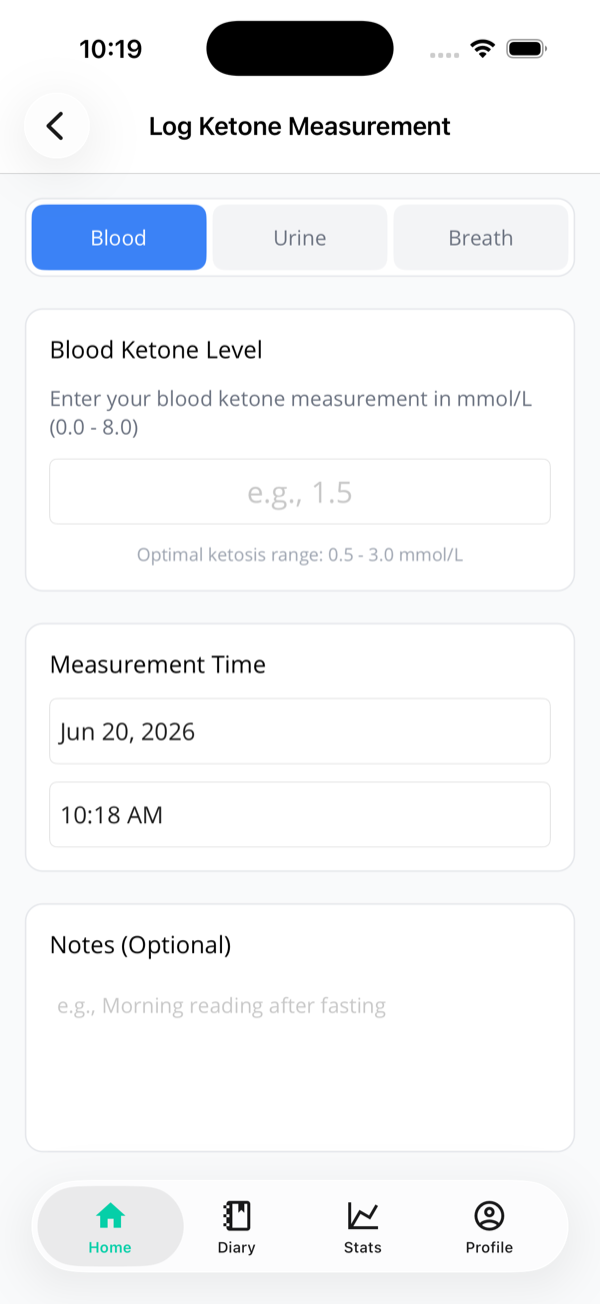
1. Turn it on
One toggle, once
Ketone logging is tucked away by default so it doesn't clutter
things up for people without a meter. To switch it on, head to
Profile → Preferences and enable
"I have a ketone meter". That adds
Log Ketones to your quick-action menu.
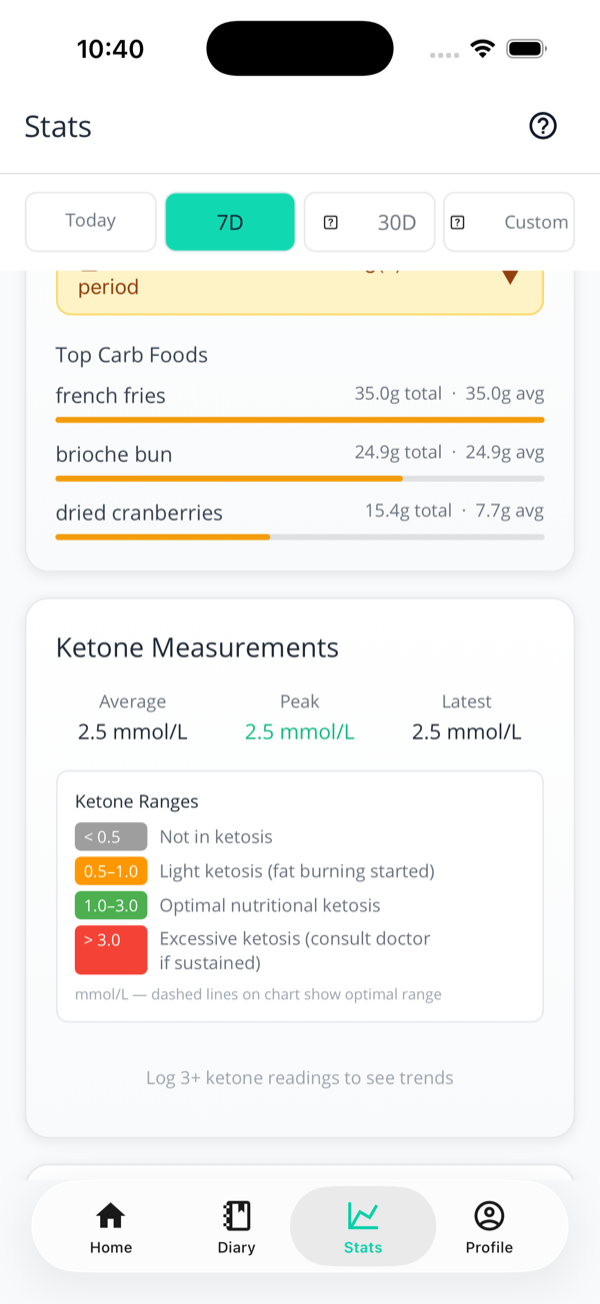
3. What the numbers mean
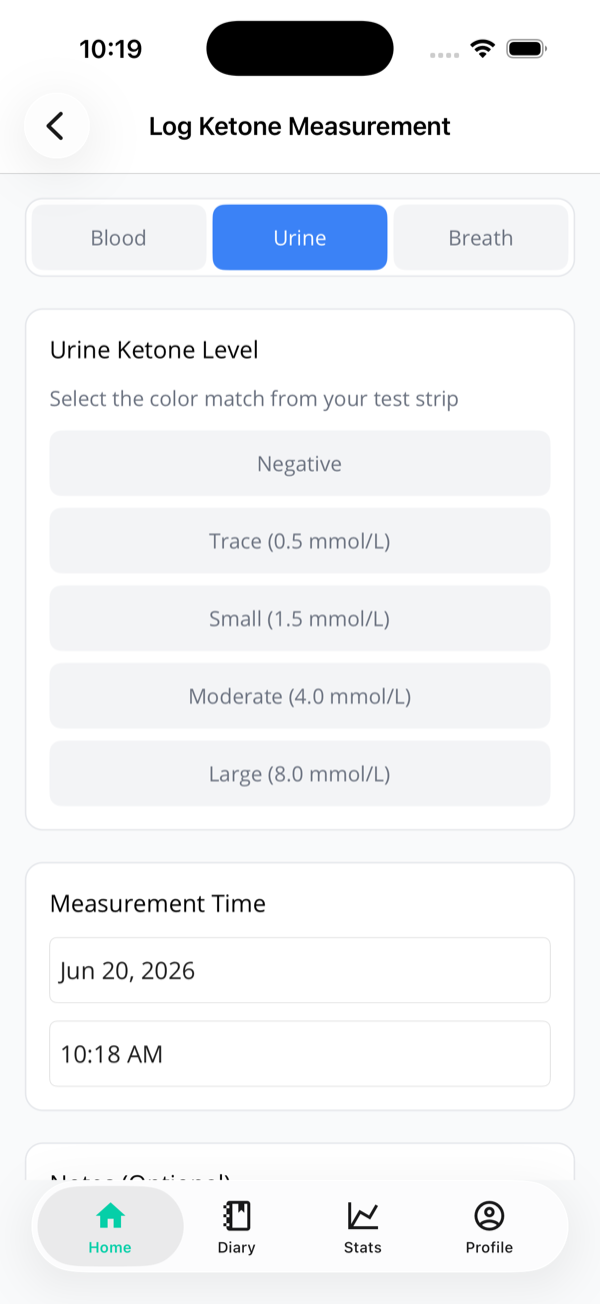
What a urine strip is actually worth
Those thresholds above are for blood. A urine
strip doesn't measure the same thing — blood meters read
BHB, strips read
acetoacetate, and the two are related but not equal. So we
convert your strip level to a blood-equivalent before it goes
anywhere near your score:
| Strip reads |
Counted as (BHB-equivalent) |
Which means |
| Negative |
0 mmol/L |
No ketones detected |
| Trace |
0.2 mmol/L |
Below the nutritional-ketosis line |
| Small |
0.5 mmol/L |
Just into ketosis |
| Moderate |
1.3 mmol/L |
Solidly in range |
| Large |
2.5 mmol/L |
Strong signal, still short of the top of the band |
Why "Trace" doesn't count as ketosis
Because clinically it isn't. Trace urine ketones turn up in people who aren't doing keto at all — overnight, or when they're a bit dehydrated. Reading a purple-ish tinge as proof of ketosis is the single most common way a strip misleads people, so we don't do it.
Strips get less honest the better you get
As you become keto-adapted your body wastes fewer ketones, so it excretes fewer of them. A long-term keto veteran's "trace" can reflect a higher blood level than a beginner's "large". That's a limit of the technology, not of the app — it's why a urine reading counts for less than a blood one when your battery is worked out, and why strips are best read as a rough yes/no rather than a score.